Orders
Unified order management for Etsy, Shopify, Squarespace, and direct sales. Track every order from receipt through printing to shipment.
Overview
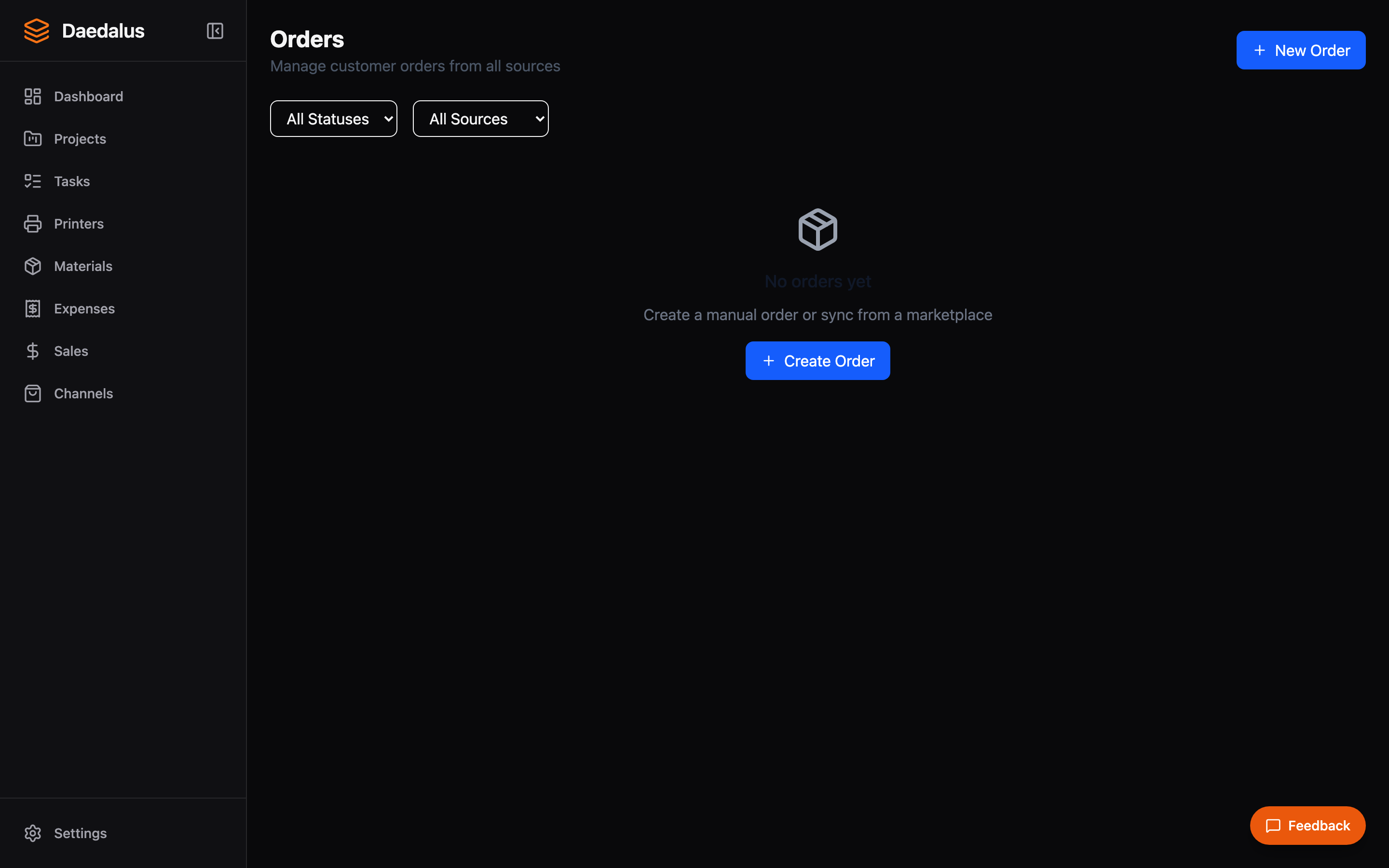
The Orders page shows all orders from every source in a single list. Each order displays its source channel, customer info, items, status, and creation date. Orders can be filtered by status, channel, and date range.
Creating Orders
Manual Orders
- Click New Order
- Enter customer name and any notes
- Add line items by selecting projects from your catalog
- Set quantities and any customization details
- The order is created in Pending status
From Accepted Quotes
When a quote is accepted, Daedalus automatically creates an order from the winning option's line items. Project links carry through so each order item references the correct product in your catalog.
Channel Imports
Orders from connected sales channels (Etsy, Shopify, Squarespace) are imported automatically. See Sales Channels for setup details. Imported orders include:
- Customer name and shipping address
- Line items with quantities
- Order total and marketplace fees
- External order ID for cross-reference
Status Pipeline
Orders move through a defined status pipeline:
| Status | Description |
|---|---|
| Pending | Order received, not yet processed |
| In Progress | Order has been processed into tasks |
| Printing | Print jobs are actively running |
| Completed | All items printed and assembled |
| Shipped | Order has been shipped to customer |
| Cancelled | Order was cancelled |
Processing Orders into Tasks
- Open an order and click Process
- Daedalus creates a task for each line item
- Each task generates a checklist based on the project's parts
- Tasks can then be dispatched as print jobs to your printers
See Tasks & Print Jobs for details on the task lifecycle and auto-dispatch system.