Projects
Build a product catalog with multi-part designs, automatic 3MF parsing, immutable design versioning, and full bill of materials tracking.
Overview
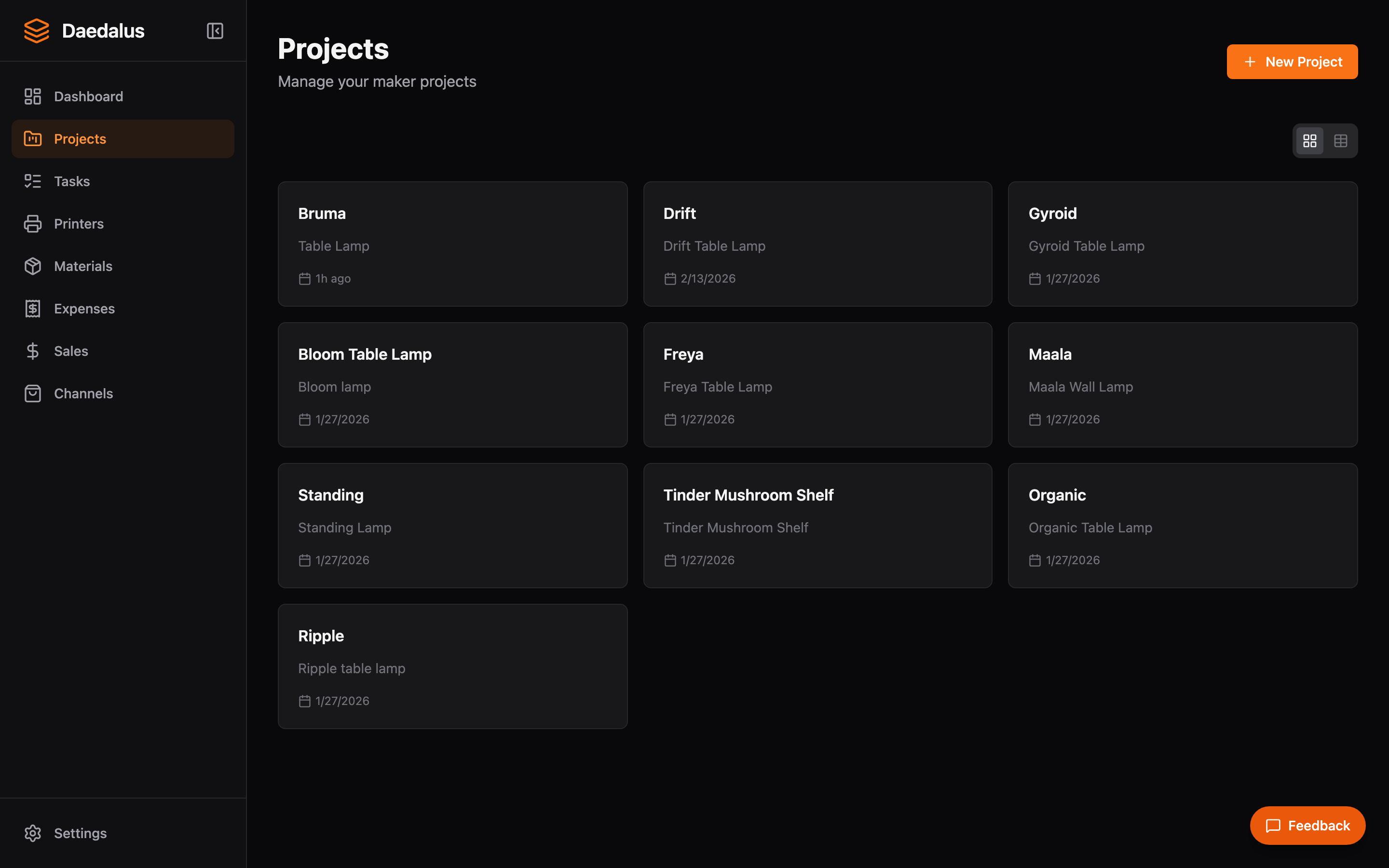
Projects represent the products you make and sell. Each project can contain multiple parts, each with its own design files, material requirements, and print settings. When you create an order, you select which projects to fulfill.
Key Features
Product Catalog
- Create projects with a name, description, images, and pricing
- Tag-based filtering and search across your catalog
- Track per-product profitability with unit cost analysis
Parts
Each project contains one or more parts. A part represents a single 3D-printed component of the final product.
- Define material type, color, and weight requirements per part
- Set printer constraints (e.g., only certain printers can print this part)
- Parts are used to generate task checklists when fulfilling orders
Design Versions
Every part has an immutable version history. When you update a design file, a new version is created rather than overwriting the old one.
- Each version records the design file, print settings, and timestamp
- Print jobs reference a specific version so you always know what was printed
- Roll back to any previous version at any time
3MF File Parsing
Upload a sliced 3MF file and Daedalus automatically extracts:
- Print time — Estimated duration from slicer
- Weight — Filament weight in grams
- Filament type — PLA, PETG, ABS, etc.
- Nozzle size — Required nozzle diameter
- Printer model — Target printer from slicer profile
Bill of Materials (BOM)
Define materials and supplies needed for each product:
- Filament requirements per part (type, color, weight)
- Additional supplies (screws, magnets, packaging, etc.)
- Automatic cost rollups based on current material prices
- Material costs are snapshot at print time for accurate historical tracking
Creating a Project
- Click New Project and fill in the name, description, and pricing
- Add parts to the project — each part represents a printed component
- For each part, upload a 3MF file or manually enter print settings
- Define material requirements and any additional supplies
- Tag the project for easy filtering (e.g., “tabletop”, “functional”, “gift”)
Tip: Upload 3MF files whenever possible — the automatic metadata extraction saves time and reduces errors compared to manually entering print settings.